This tutorial is for companies that are using Google Mail for their Outgoing SMTP mail settings.
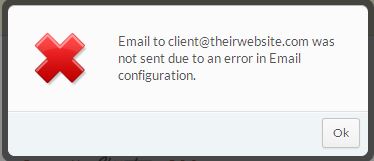
Error:
These steps should be taken to both diagnose and resolve the issue:
- Make sure you followed the correct setup procedures.
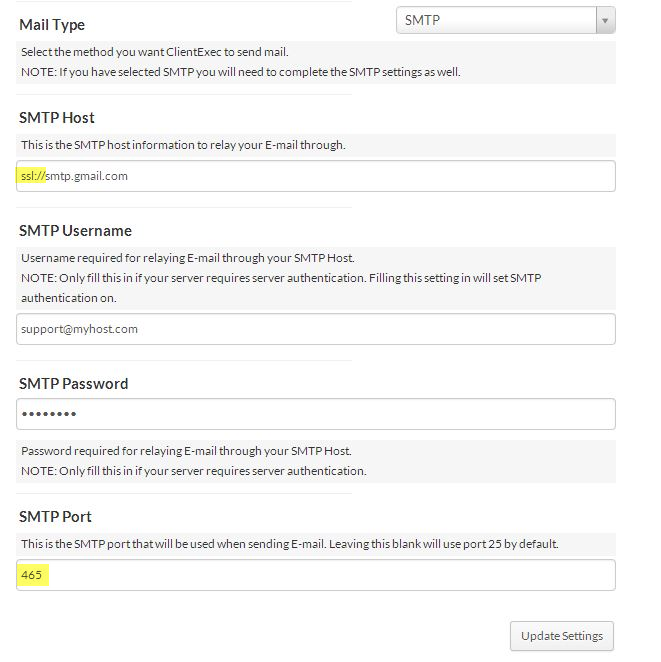
- Navigate to Settings -> Email. Be sure that if you are utilizing SSL port 465 that you have prefixed ssl:// before Gmail's hostname.
- Enable logging:
- Look for any timeout entries. They would appear as: SMTP -> ERROR: Failed to connect to server: Connection timed out (110)
Verify that port 465 is open outbound on your firewall.
If these steps do not address your issue, please submit a ticket.