Depending on merchant website, you may want to have a matching color scheme or something different from the default color scheme of ClientExec. Fortunately, this can be done!
While you are in your C.E. installation:
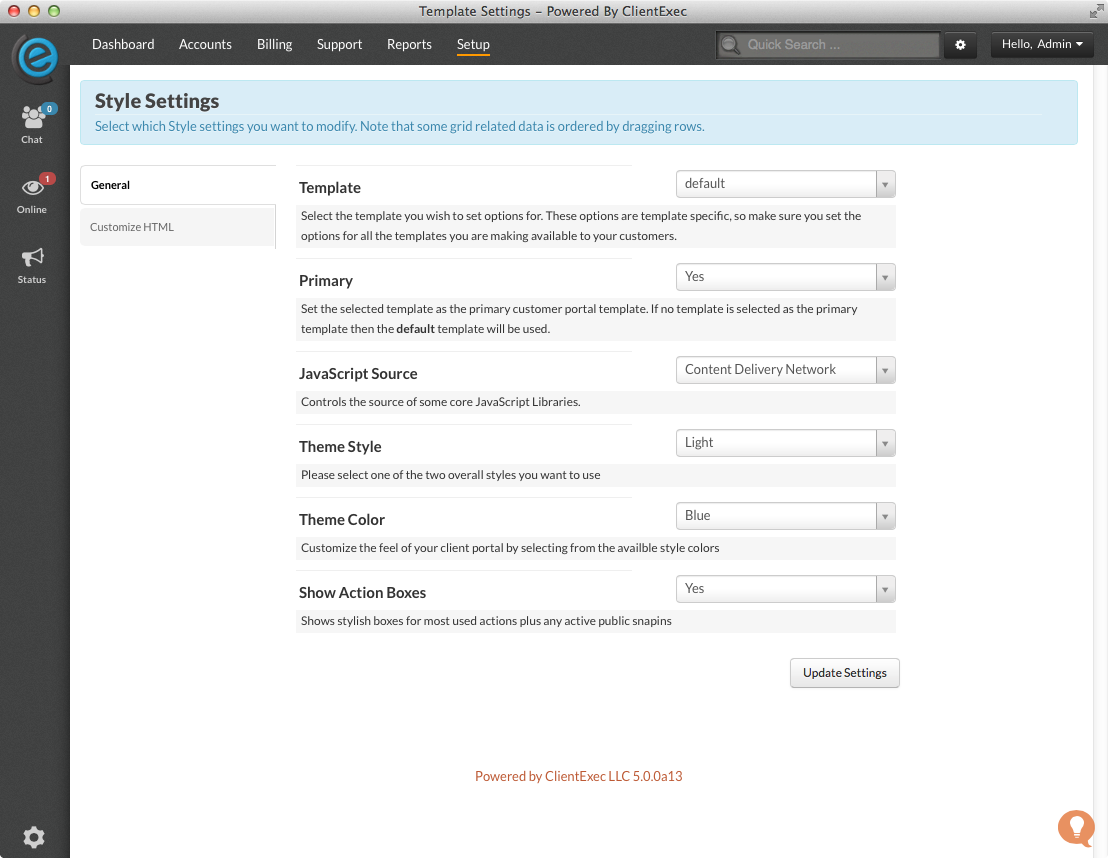
- Go to Settings ->. Style
- Change the Theme Style, if you wish.

Here is the dark preview:

3. You may choose any of the theme colors you would like and individually test them to suit your needs.