In order to for clients to be able to purchase your domain extension, you must enable it in signup. You do so by:
- Navigating to Setup -> Products -> Products.
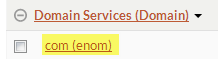
- Click your domain you have added.
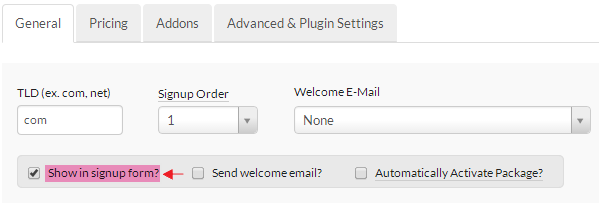
Check mark the highlighted option (Show in signup form):
Click Save Changes.
Note: You will not see your domain extension on signup (if none are configured, you will see "No Matches Found") if you did not configure pricing via the Pricing tab.