Since Clientexec version 5.1 you can customize the PDF invoices as described bellow.
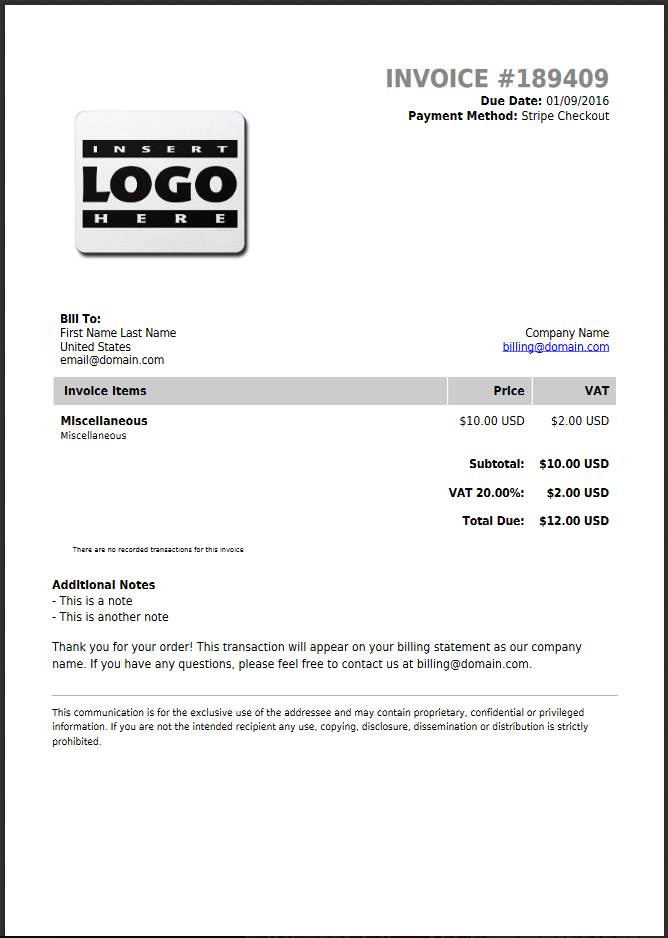
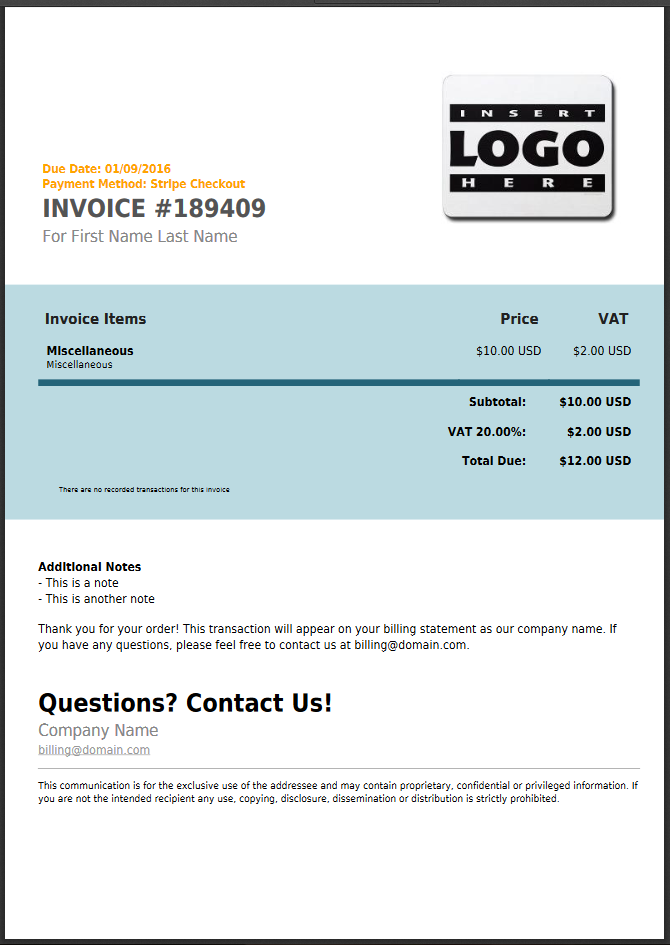
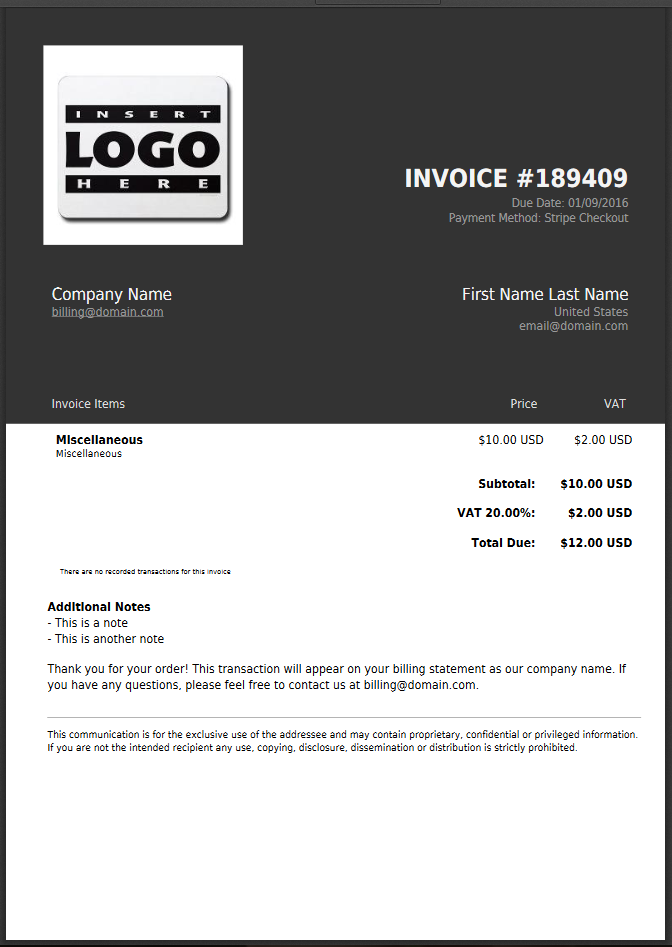
By default, we are including 3 templates:
- /plugins/invoices/default
- /plugins/invoices/dickey
- /plugins/invoices/harouth
- invoice.phtml
- style.css
If you need to include the value of a user custom field, make sure to edit the file invoice.phtml and add there something like this:
<?php
        $customFieldName = 'custom field name';
        $customFieldValue = '';
        $this->user->getCustomFieldsValue($customFieldName, $customFieldValue);
        echo $this->user->lang($customFieldName).": ".$customFieldValue."<br>";
?>
Make sure to replace custom field name with the name of the custom field you want to get the value.
You can also create your own templates by creating a new folder, such as:
- /plugins/invoices/newtemplatename/
Make sure your new folder also includes the 2 required files. You can start by adding a copy of those files from the default template.
Additionally, to add your own logo to the PDF invoices, make sure to upload the image logo (.jpg or .png) to:
- /images/invoicelogo.jpg, or
- /images/invoicelogo.png
Finally, to configure the default template to be used for the PDF invoices, please go to:
- Settings > Billing > Invoices > Invoice Template
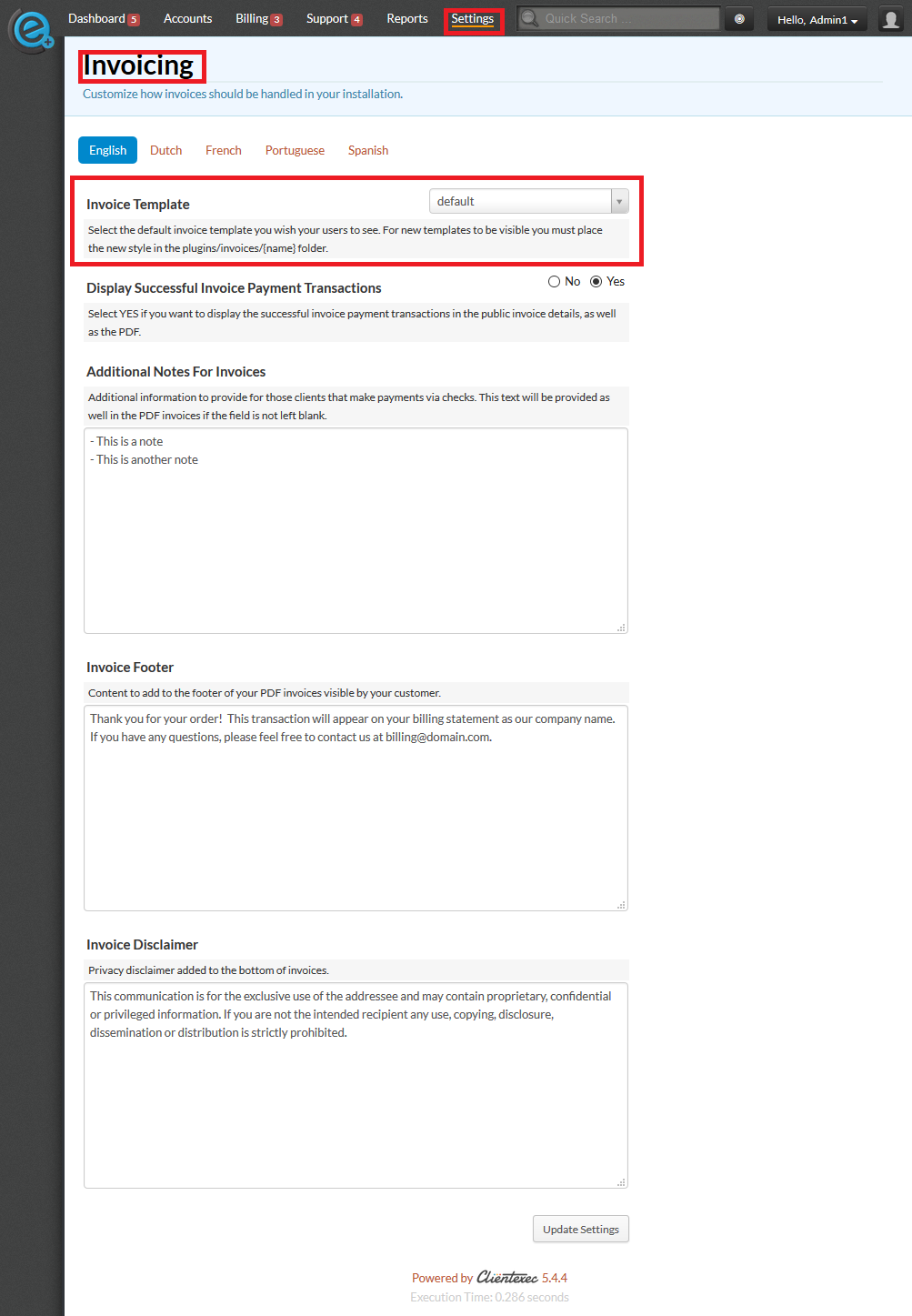
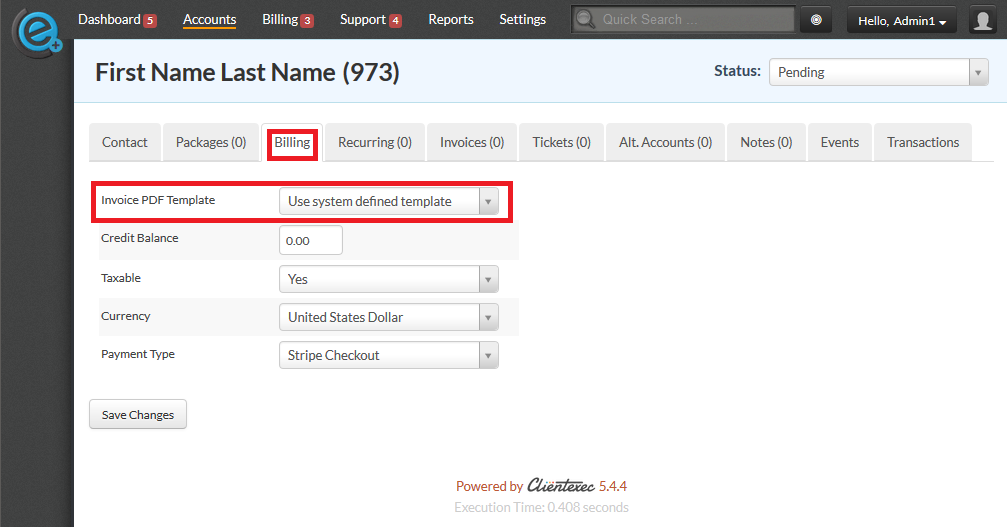
- Client Profile > Billing > Invoice PDF Template