If you wish to add staff:
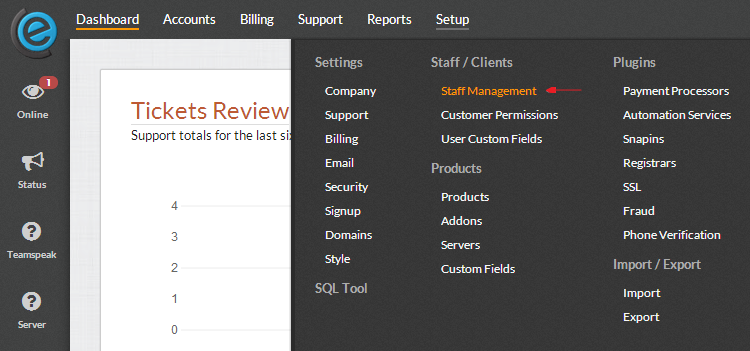
- Navigate here (Settings -> Staff / Clients -> Staff Managment):
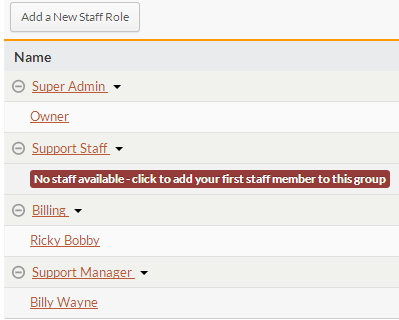
You will now see a similar view (minus the staff):
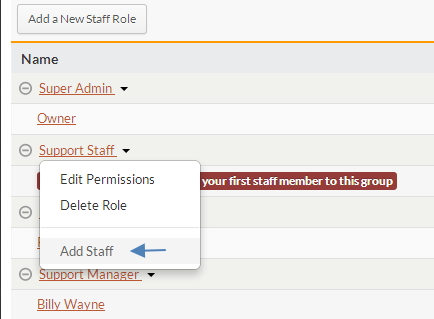
If you want to add a new staff role, such as Level 1 Support, click Add a New Staff Role. If you want to add a staff member to one of the existing groups, click the staff group, such as Support Staff.
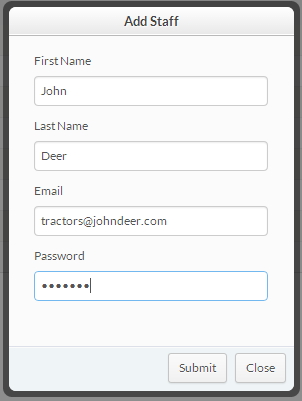
Fill out the information required:
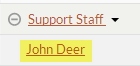
Your representative should now appear under the appropriate department as shown below.